

Teams Phone vs. UCaaS: What Actually Fits Your Business?
December 15th, 2026
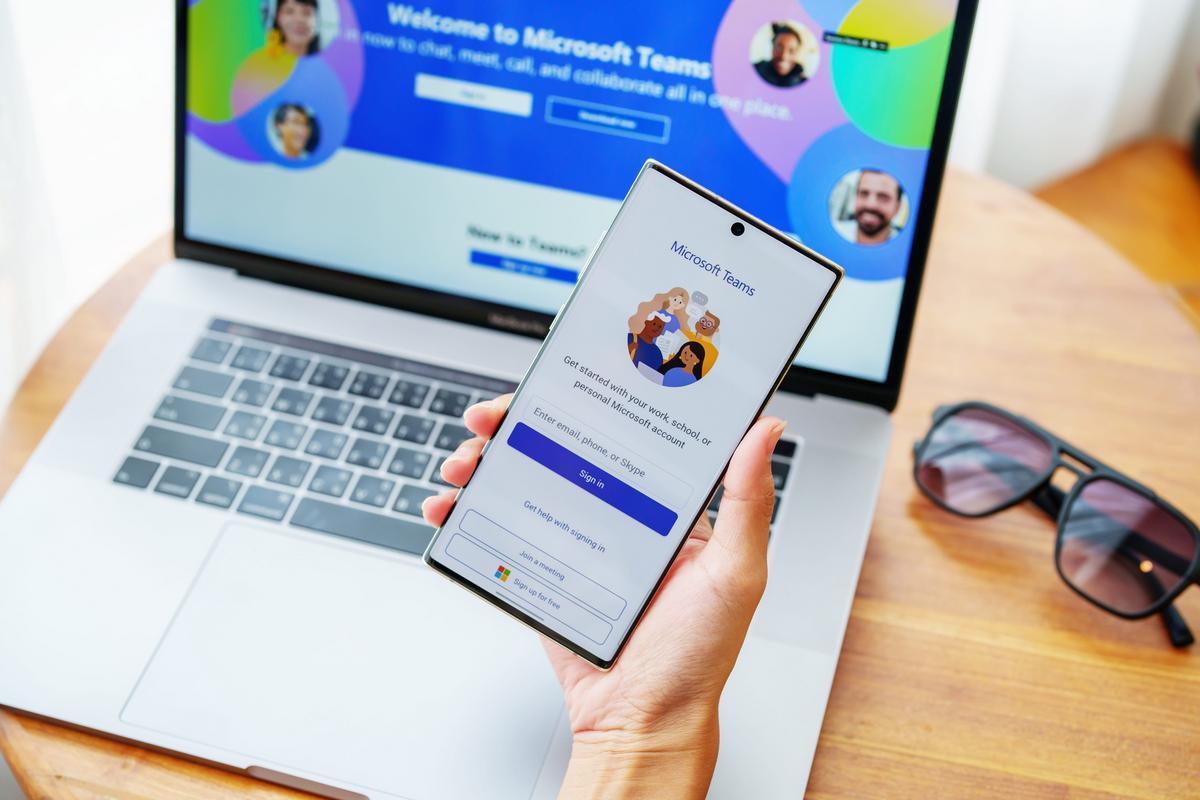
The question usually arrives in the middle of a renewal or a platform decision: should we move our phones to Teams, or do we need UCaaS? Framed that way, it sounds like a choice between two competing products. In practice the two overlap, the boundary between them is blurry, and the right answer depends far more on how your business uses a phone than on which vendor has the better demo.
Teams Phone is Microsoft's phone system inside Teams. UCaaS is a hosted communications platform from a service provider. Both make and receive external calls, both offer voicemail and auto attendants, and both can replace an aging PBX. They differ in what surrounds the calling: the applications, the contact center depth, the licensing, the support model, and the amount of Microsoft dependency the organization is willing to accept.
This article separates the two clearly, compares the cost and operational realities, and gives a decision framework you can apply to your own environment.
The Short Definitions
Teams Phone
Teams Phone is a calling workload inside Microsoft Teams. It adds public switched telephone network calling to the Teams application, along with auto attendants, call queues, transfer, voicemail, and emergency calling. Because it lives in Teams, the phone experience is the same application employees already use for chat and meetings, and calling is tied to the Microsoft identity and compliance stack.
Teams Phone is not a standalone product. It requires Microsoft 365, a Teams Phone license, and a way to reach the public telephone network. That last piece can come from a Microsoft Calling Plan, an Operator Connect carrier, or Direct Routing through a session border controller connected to a carrier of your choice.
UCaaS
Unified communications as a service is a hosted voice and collaboration platform delivered by a provider. The provider runs the phone system, supplies the telephone numbers, and bundles calling into a per-user subscription. A typical UCaaS platform includes desk phone and softphone support, mobile apps, auto attendants, call queues, voicemail to email, call recording, analytics, and integrations with CRM and productivity tools.
The stronger UCaaS platforms add contact center features: skills-based routing, supervisor dashboards, quality management, SMS and omnichannel messaging, and workforce tools. The provider usually handles number porting, emergency calling configuration, and first-line support, which is a meaningful difference for organizations without a telecom team.
Where They Overlap
For a knowledge worker who makes a handful of calls a day, the two options can look nearly identical. Both put a dial pad on a laptop and a mobile app, both ring a desk phone if one is connected, and both handle voicemail and a basic auto attendant. If that is the entire requirement, the decision comes down to licensing, cost, and which application the employee prefers.
The differences appear when calling becomes operational: queues, recorded lines, contact center agents, supervisors, SMS, analytics, and integrations. That is where the two platforms stop being interchangeable.
What Teams Phone Does Well
- One application. Chat, meetings, and calling share a single interface, so adoption is usually easier and there is no second collaboration app to manage.
- Native Microsoft identity and compliance. Calling inherits the organization's sign-in, conditional access, retention, and eDiscovery policies.
- Familiar administration. If the team already runs Microsoft 365, the admin center and licensing model are known territory.
- Certified devices. A mature ecosystem of Teams-certified desk phones and conference devices exists, which matters for shared spaces and reception.
- Good fit for internal-heavy calling. Organizations whose calls are mostly one-to-one, scheduled, or internal get the core value without a second stack.
The limitations are just as real. Teams Phone depends on Microsoft 365 licensing and on a PSTN strategy that can involve three parties: Microsoft, a carrier, and whoever supports the environment. Contact center depth is limited without adding a separate platform. International number coverage and calling plan availability vary by country, and the support model can split between Microsoft, the carrier, and the partner.
What UCaaS Does Well
- Voice-first depth. Call queues, skills-based routing, supervisor tools, recording, and analytics are mature because voice is the provider's core product, not a workload inside a collaboration suite.
- Contact center and omnichannel. SMS, messaging, and customer channel routing are usually included or available on the same platform, which matters for customer-facing teams.
- Single provider accountability. Numbers, calling, devices, support, and service levels come from one vendor with a telecom operations team behind it.
- Faster deployment without a Microsoft dependency. A UCaaS platform can be deployed across an organization that is not standardized on Microsoft 365, or alongside it.
- Operational reporting. Call volumes, queue performance, and agent metrics are part of the product rather than a separate analytics project.
The tradeoffs are a second application for employees, a second identity and administration model, and per-seat costs that stack on top of Microsoft 365 rather than replace part of it. Integration with Teams meetings is possible but rarely seamless, and moving away later means another migration.
The Decision Framework
Work through the following questions in order. The answer usually becomes clear before the end.
1. How Deep Is the Microsoft 365 Footprint?
If the organization already standardizes on Microsoft 365, uses Teams for meetings and chat, and has the licensing and administrative maturity to manage calling there, Teams Phone has a lower adoption cost. If Microsoft 365 is partial, or the organization is deliberately avoiding deeper Microsoft dependency, UCaaS is the more natural center of gravity.
2. Who Talks to Customers, and How Often?
Count the roles, not the headcount. A sales team making scheduled calls and a support desk handling a queue have different requirements. High call volume, shared queues, supervisors listening in, and measured service levels point toward UCaaS or a dedicated contact center platform. Low-volume, individual calling points toward Teams Phone.
3. Do You Need Omnichannel or SMS?
If customers text the business, if messaging is part of the service model, or if agents need to move between voice, chat, and email in one queue, UCaaS is usually the shorter path. Teams Phone can connect to contact center platforms, but that is an integration project rather than a native feature.
4. What Are the Number and Geography Requirements?
Local numbers in multiple countries, toll-free numbers, and number porting at scale all favor a provider that does this as a core business. Microsoft Calling Plans are available in many markets but not every market, and the Operator Connect and Direct Routing alternatives add design work. Map the numbers you actually need before comparing license prices.
5. What Compliance Requirements Apply?
Call recording consent, retention, legal hold, and emergency calling obligations vary by jurisdiction and industry. Teams Phone inherits Microsoft 365 compliance capabilities, which is an advantage where the organization already uses them. UCaaS providers offer recording and retention too, but the details and the configuration responsibility differ. Confirm who owns each obligation.
6. Who Will Support It?
Teams Phone support can involve Microsoft, the PSTN carrier, the SBC vendor, and the internal or managed IT team. UCaaS support is usually one number to call. If the organization has no telecom operations capacity, that difference is worth more than a line item in a spreadsheet.
The Cost Comparison
Comparing the headline per-user price is the most common way to get this decision wrong. Build the total from the components.
Teams Phone Cost Components
- Microsoft 365 licenses that include Teams, if not already in place
- Teams Phone add-on license per user
- Calling plan, Operator Connect service, or Direct Routing with carrier minutes and SBC
- Certified devices for reception, shared spaces, and any desk phone users
- Audio conferencing add-on where required
- Internal administration and the cost of coordinating multiple support parties
UCaaS Cost Components
- Per-user subscription, often tiered by feature set
- Contact center or agent licenses where applicable
- Numbers, toll-free service, and usage beyond the plan
- Devices and implementation or porting fees
- Integration work for CRM and other business systems
- Microsoft 365 licenses still required for email, files, and meetings
A three-year total cost of ownership, including administration time and the cost of a failed pilot, is more useful than a per-seat comparison. It is also worth pricing the hybrid option, because that is often the answer.
When Each One Fits
Teams Phone Tends to Fit When
- Microsoft 365 is already the standard productivity platform
- Calling is mostly individual, scheduled, or internal
- Contact center volume is low or handled by a small team without queue analytics
- The organization values one application and one identity model
- IT or a managed service provider can own the PSTN design and support coordination
UCaaS Tends to Fit When
- Customer-facing teams handle queues, measured service levels, and recorded calls
- SMS or omnichannel messaging is part of the customer experience
- Multiple locations and countries need local numbers and consistent routing
- Supervisors need dashboards, monitoring, and quality tools
- The organization wants one provider accountable for voice end to end
The Hybrid Answer
Many organizations do not need to choose one platform for everything. A common design uses Teams for internal meetings and collaboration, Teams Phone for knowledge workers with light calling needs, and a UCaaS or contact center platform for the teams that handle customer queues. Integration between the two lets calls route to the right place without forcing every employee onto the same stack.
The hybrid model is not free. It means two administration surfaces and a deliberate integration design. It is still often cheaper and better than forcing a contact center onto a platform that does not do contact center well, or forcing every user onto a voice platform they do not need.
Migration Checklist
Whichever direction the decision goes, the migration work is similar and the details decide the outcome.
- Inventory every number, user, device, call flow, queue, and integration
- Map emergency calling locations and confirm the legal requirements for each site
- Choose the PSTN path and confirm coverage for every number you need
- Design auto attendants and queues before porting, not after
- Pilot with a group that will surface problems, including reception and after-hours
- Test 911 calling, call quality, voicemail, and forwarding at each location
- Port numbers in waves and keep the old system available until the new one is proven
- Train users on the new application and publish a support path
- Review recordings, retention, and consent obligations with legal or compliance
The platforms are capable. Most failed phone migrations fail on number porting, emergency calling, or adoption, not on the feature list. Assign an owner for each of those before the project starts.
Make the Decision From Your Own Usage
The Teams Phone versus UCaaS question is really a question about your workforce, your customer contact model, and your appetite for a second platform. Pull the call detail records if you have them. Count the queues, the recorded lines, the international numbers, and the users who make fewer than five calls a week. The pattern usually points clearly in one direction.
Our technology orchestration solutions team designs and supports both models, including the hybrid designs where Teams handles collaboration and a voice platform handles the contact center. For background on the voice platform side, our guide to UCaaS for modern businesses covers the feature set in more detail, and our article on choosing the right business phone system covers the requirements gathering that should happen before any vendor conversation.
If you are weighing a renewal, a Microsoft 365 change, or a contact center upgrade, start with a usage review rather than a product comparison. Contact us to map your calling patterns, model the three-year cost of each option, and choose the design that fits the business rather than the demo.
Posted in: Business Phone Systems, Cloud Communications